To access our ticketing system, external users need
a. An account in our external user directory service via https://id.censhare.com/
b. The permissions to access the customer service desk.
1. Open link:
https://servicedesk.censhare.com
-
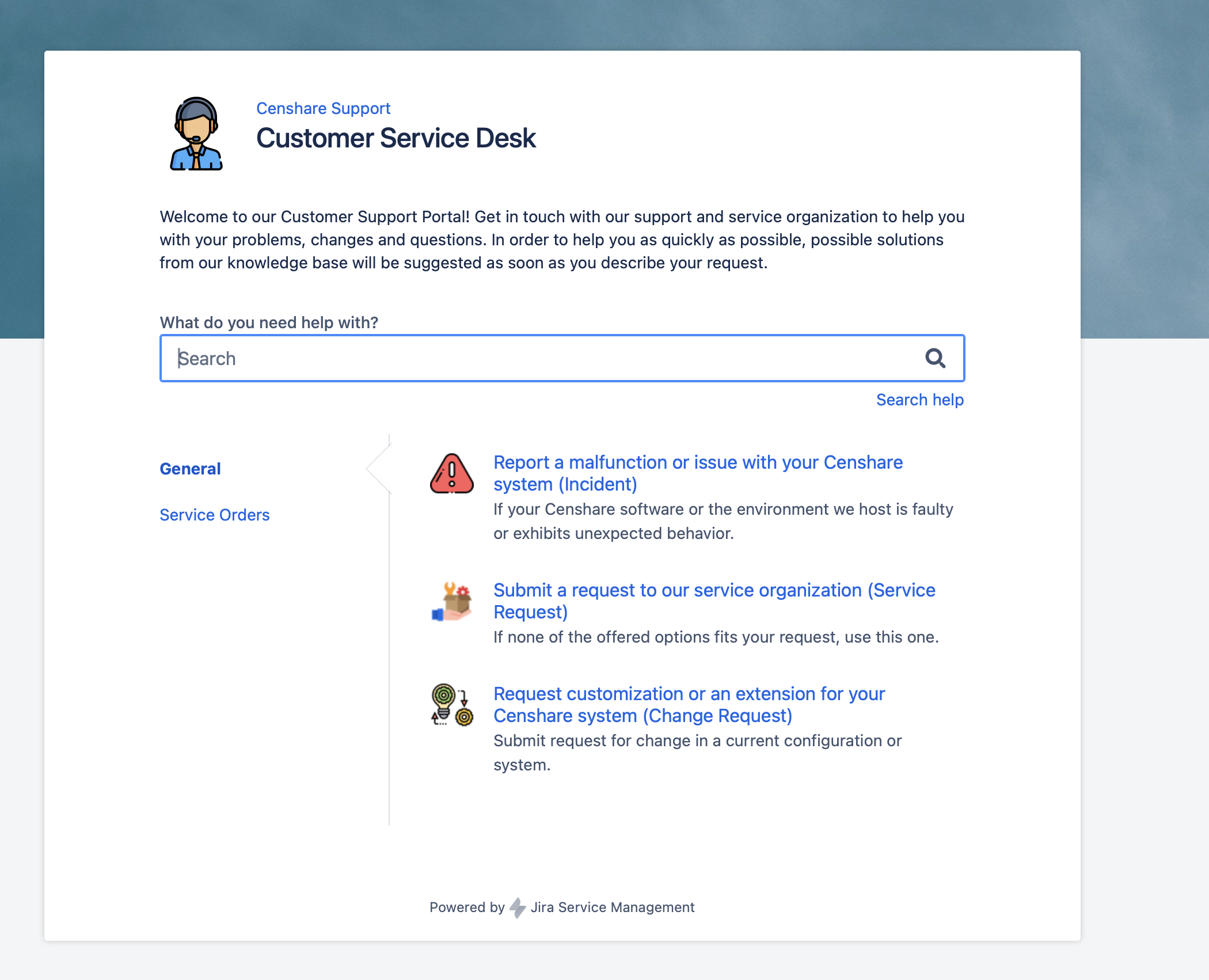
If you are already logged in and your user has permissions to access the Customer Service Desk, you get to the Service Desk home page as shown below.
If you are not already logged in, you will be forwarded to our authentication service and see the “Sign In” window: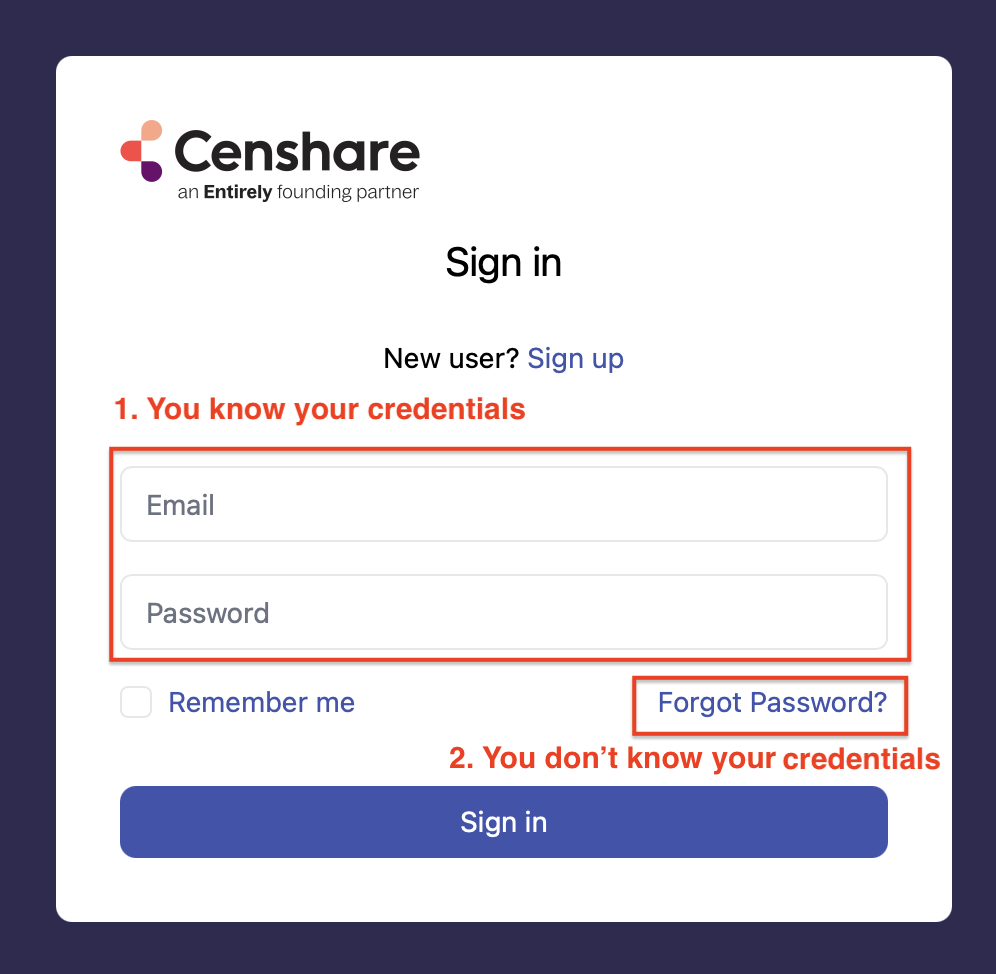
Option 1: You know your credentials.
Fill in your credentials “Email” and “Password” and click “Sign in“
You will be forwarded to our Customer Service Desk home page as shown below.
Option 2: You don’t remember your credentials.
If you don’t remember your password or if you are login the first time at this Sign In window, click on link “Forgot Password?“.
You get the following dialog, to submit your email address.
Note that this email address will be your future login name!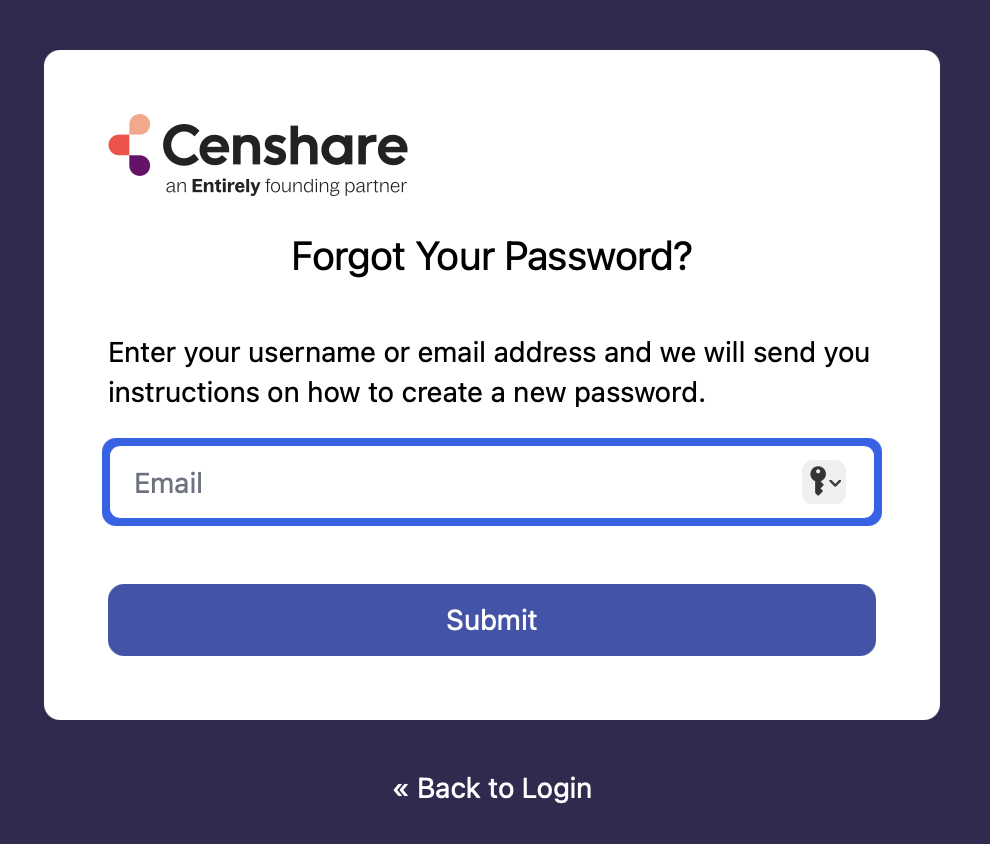
-
Check your email inbound and you find an email with your password. It may take some minutes until your reach the email.
-
Go back to the “Sign in” page and login
If you started the login process with opening the link https://servicedesk.censhare.com and your login was successfully, you will be forwarded to the Customer Service Desk home page: